
This quick guide will show you how to use FlexOffers.com’s Message Center to create and send direct messages to your Publishers.
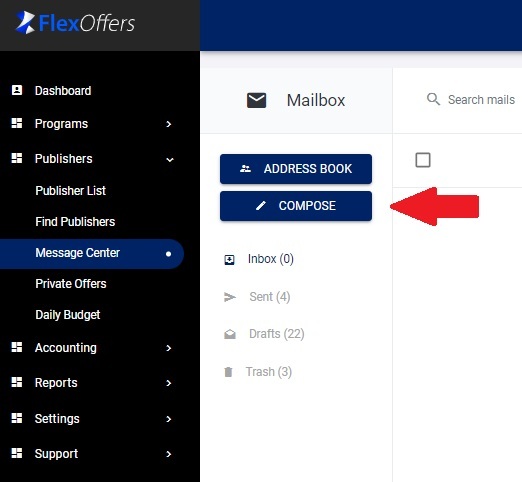
- From your Dashboard, go to the Publishers Section > Message Center.
- Click Compose Message.
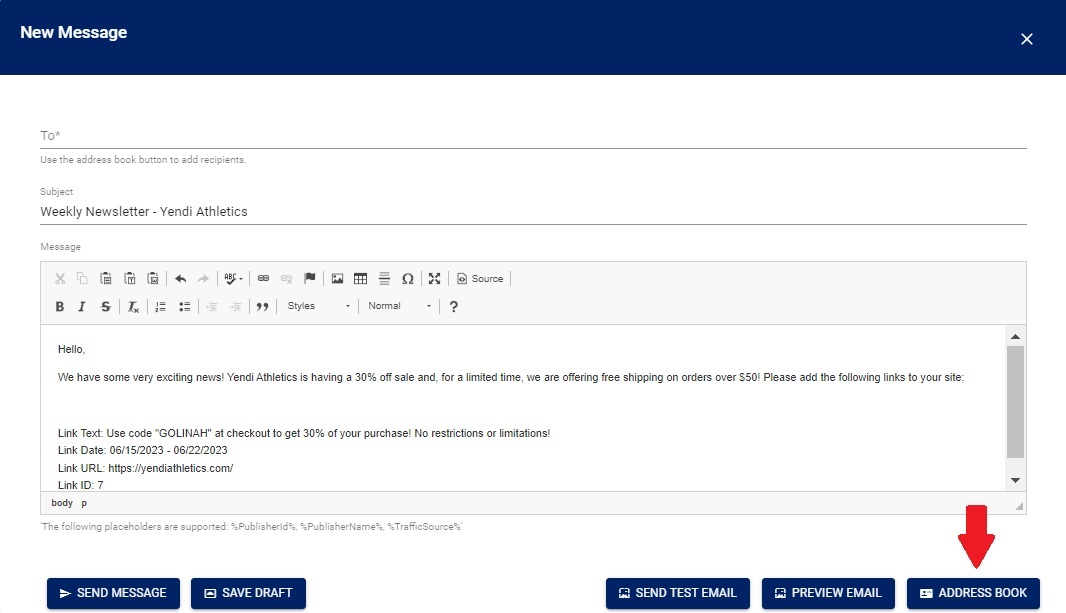
- A New Message window will open. You can now compose your message.
- Once your message is composed, click the Address Book button on the bottom right side of the New Message window to select the recipients of your message.
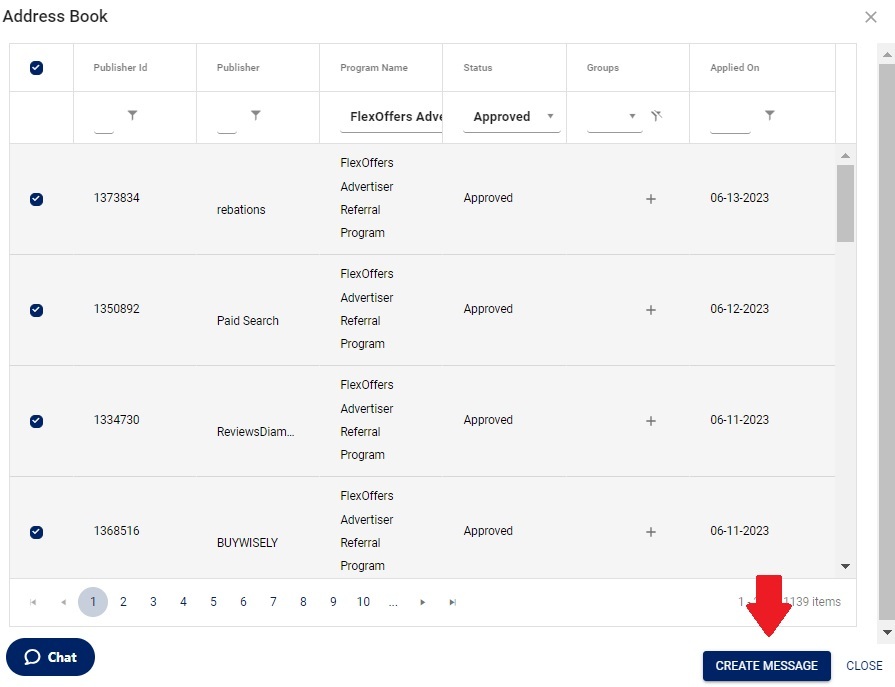
- In the new window that opens, you can select the recipients.
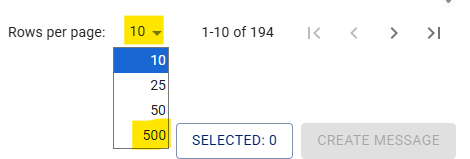
- By clicking the “Rows per page:” drop-down menu in the lower right of the page you can display up to 500 approved publishers.
- In the upper left corner of the list display, you can click to check the top box to select all publishers displayed.

- Notice, the “Selected” number and compare to number of total approved publishers, shown above.

- When there are more than 500 approved publishers, after selecting the first list of 500, you can advance to the next page of the list by clicking the “>” icon.

And, again, click the “select all” box in the upper left corner of the list display;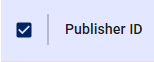
-Continuing until all the approved publishers are selected.
- Once you are finished selecting the recipients, click the "CREATE MESSAGE" button.
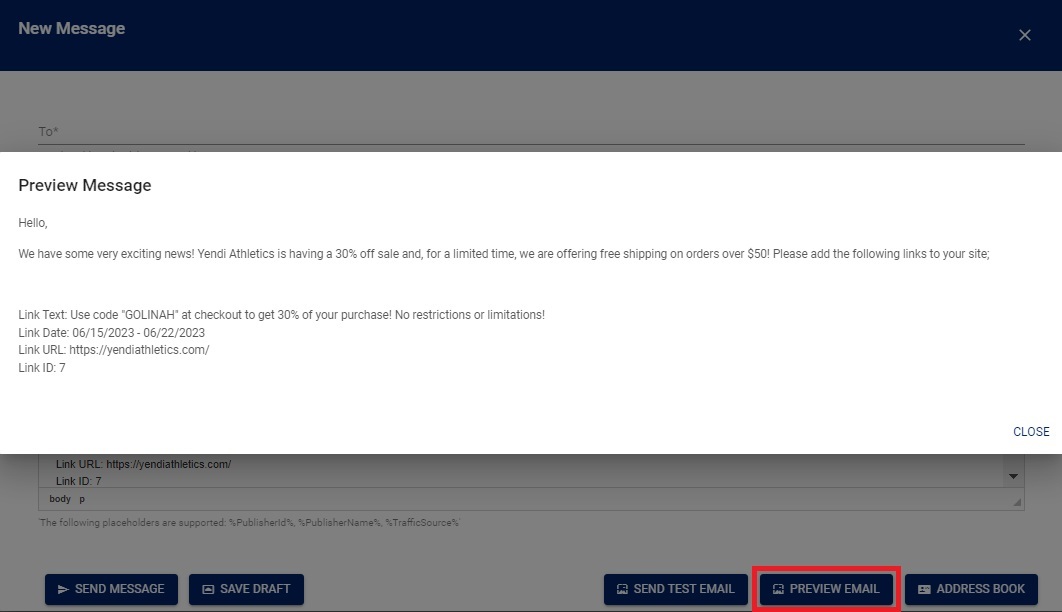
- You can preview your message by clicking the Preview Email button on the bottom-right corner of the New Message window.
- Make any changes (if needed) and click the Send Message button once you are ready to send. If you are not ready to send the message, you can save the message as a draft.
Monitoring the Message Center
After your emails are sent, you will be able to view these emails in the “Sent” folder of the message: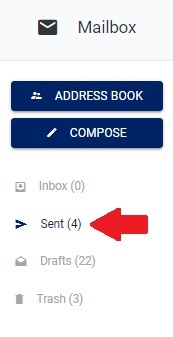
Remember to check your Inbox in the Message Center at least twice per week. Publishers utilize the Message Center to communicate with you about your brand, your product, and the ways they will be promoting you. Publishers may also negotiate commission rates or ask for exclusive offers through the Message Center and it is important to answer all publisher communications in a timely manner.
We have found that consistent messaging does result in incremental growth of link placements and clicks with a few key elements added to get their attention and conveniently providing their specific tracking link(s).
Tips:
- <p> tags result in double-spacing – use table rows and <br>(shift+enter) to control spacing better.
- Providing a persons name and email address in the signature as the program manager/contact makes the program more personable and greatly improves the chance they will contact you.
- The publishers link in the email will remain the same and only the highlighted portions in the following example need to be changed with the correct "Program#" and “Creative#” from the advertiser interface.
Example:
https://track.flexlinkspro.com/g.ashx?foid=24.<program#>.<creative#>&trid=%PublisherId%.<program#>&foc=16&fot=9999&fos=6
Articles in this section
- Advanced Commission Settings
- Recommendations for Optimal Affiliate Program Management
- Best Practices for Publisher Outreach
- Campaign & Creative Management
- What to Say to Publishers
- Publisher Promotional Methods
- Performance Report
- Adding Manual Transactions and Bonus Commissions for Publishers
- How to Add, Edit, and Manage Coupons & Offers for Publisher Promotion
- Managing Publisher Groups