
In this article, you'll learn how to set up conversion tracking with the FlexOffers Affiliate Marketing extension for Magento.
1. Get the free FlexOffers Affiliate Marketing extension at the following link: https://commercemarketplace.adobe.com/flexoffers-conversiontracking.html.
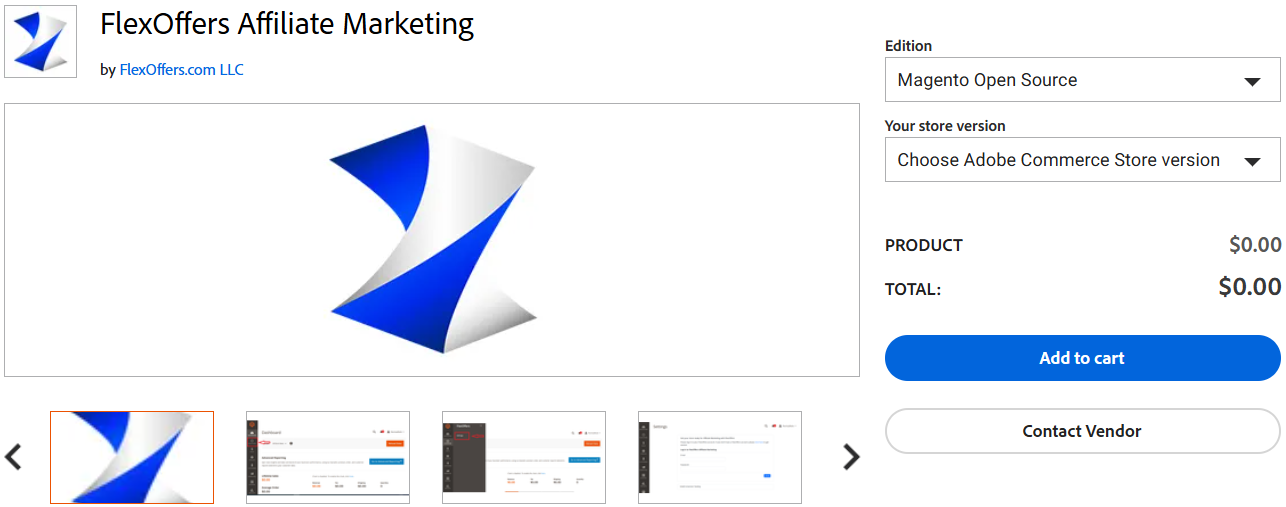
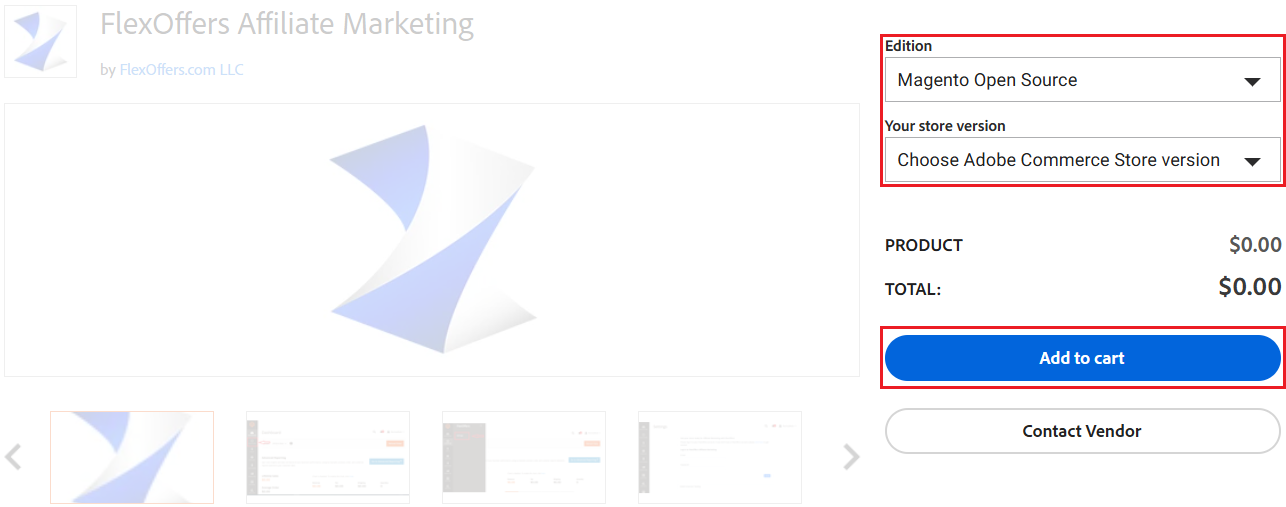
2. Select an edition and your store version, and then click the Add to cart button.
3. Install the FlexOffers Affiliate Marketing extension by following the instructions linked here: https://commercemarketplace.adobe.com/media/catalog/product/flexoffers-conversiontracking-1-0-1-ce/installation_guides.pdf?1731357535.
4. Activate and configure the FlexOffers Affiliate Marketing extension by following the instructions here: https://commercemarketplace.adobe.com/media/catalog/product/flexoffers-conversiontracking-1-0-3-ece/user_guides.pdf?1776101911.
In your Advertiser account, go to Settings > Tracking Diagnosis and follow the instructions to create a test transaction.
Note: Be sure to leave the Tracking Diagnosis page open while you create the test transaction and go back to that page to confirm that the test was successful.
Articles in this section
- JavaScript Conversion Tracking
- JavaScript Conversion Tracking for WooCommerce
- Server-to-Server (S2S) Tracking
- JavaScript Conversion Tracking for Shopify
- WooCommerce Conversion Tracking With the FlexOffers WordPress Plugin
- Affiliate Tracking with Google Tag Manager
- Wix Conversion Tracking With Google Tag Manager
- Affiliate Marketing Conversion Tracking for Magento
- BigCommerce Affiliate Marketing Conversion Tracking
- Does My Site Support JavaScript Conversion Tracking?